PikaView Fast, lightweight manga & image viewer.

A native desktop app for macOS and Windows, built with Rust and Tauri.Two-page spreads, a speedy file browser, and buttery-smooth controls.

Almost everything you need is free to use.

v0.1.4 · macOS / Windows

Highlights

Fly through folders with just your keyboard

Browse images and jump between folders and archives without ever leaving PikaView's window.

Unlike most viewers, the arrow keys are mapped to folder navigation by default, so you can move between folders with a single keystroke. (Fully customizable.)

Shortcuts let you jump straight to the parent folder, or the next and previous item, even while an image is open.

Never touch the mouse — browse images and navigate folders entirely from the keyboard.
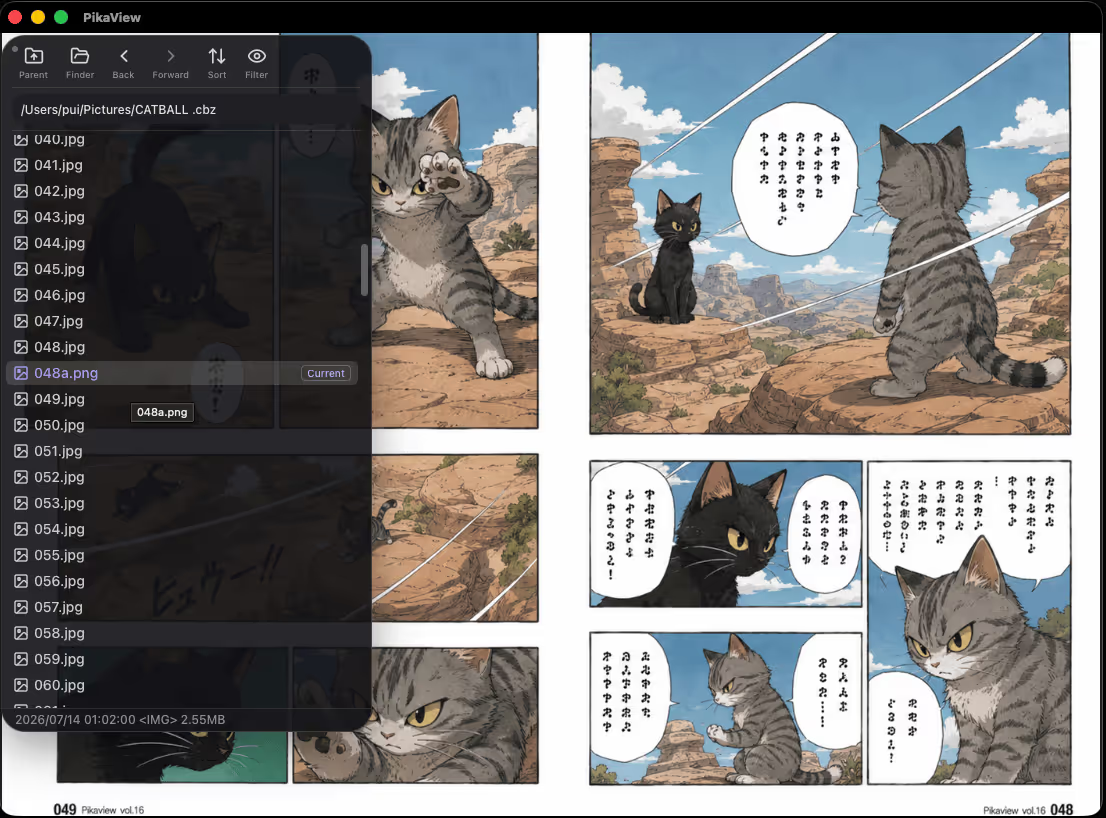
Fly through folders with just your keyboard

Clean, distraction-free viewing

Show or hide the toolbar, file list, and other UI elements whenever you like.

When you just want to look at the picture, tuck away the extra chrome for a clean, focused view.

Clean, distraction-free viewing

Built for speed

Powered by Rust and Tauri, PikaView is engineered to render images and turn pages without a hitch.

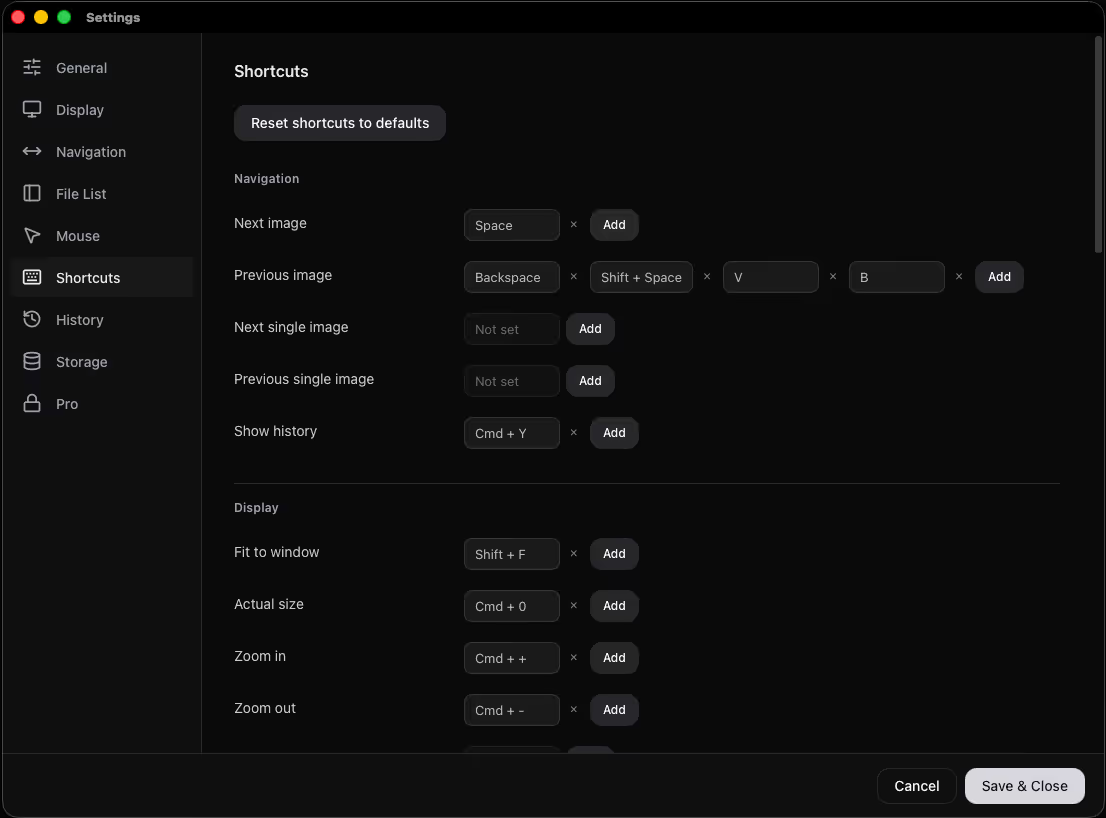
Shortcuts your way

Assign more than one shortcut to the same action.

Customize your most-used commands to match how you actually work.

Shortcuts your way

Supported formats

Images

  • JPEG .jpg.jpeg.jfif.jpe
  • PNG .png
  • WebP .webp
  • AVIF .avif
  • GIF .gif
  • HEIC / HEIF .heic.heif (macOS only)
  • SVG .svg.svgz
  • TIFF .tif.tiff
  • BMP .bmp
  • ICO .ico

Archives

  • ZIP / CBZ .zip.cbz
  • RAR / CBR .rar.cbr
  • 7-Zip / CB7 .7z.7zip.cb7

Good to know

PikaView opens supported archives directly — no need to extract them first.

We're always adding new formats. Have a request? Reach out at support@puiapps.com.

Free / Pro

The core experience is free

Nearly everything you need to browse and read is free.

Pro is a one-time purchase that unlocks extra features and helps support PikaView's development.

Support

Got a bug to report, a feature request, or just a question? We're happy to help by email.

When you reach out, please include your OS, the PikaView version you're using, and the steps to reproduce the issue.